LOADING INFO...
Most game consoles are made for you to play. GyanBit is made by you — every game, every animation, every sound is written by you in the browser and runs on real electronics.
Write JavaScript with syntax highlighting, auto-formatting, and a live OLED simulator — no installs needed.
See your code run on a pixel-perfect virtual screen before touching real hardware.
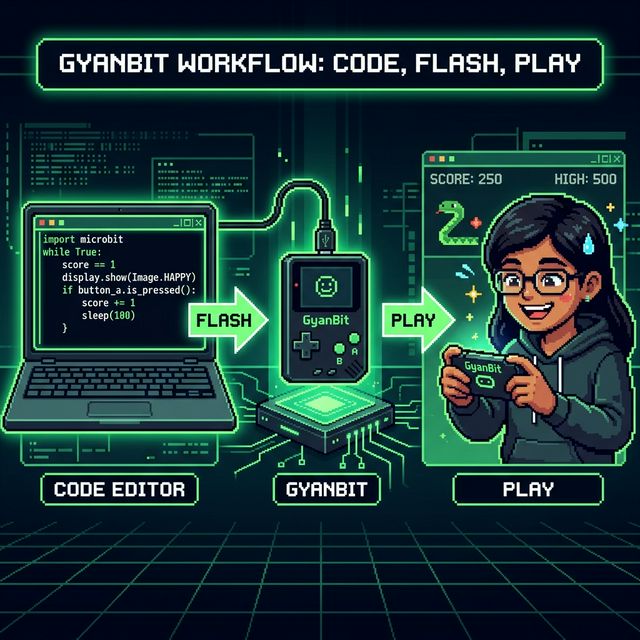
One click generates MicroPython and flashes it via WebSerial to your device. No drivers, no cables frustration.
Start with Flappy, Space Invaders, Snake, Breakout, Pong, Maze, and Dodger. Study the code, modify them, make them your own.
Square-wave beeps via Web Audio API in the browser, and real PWM audio through a PAM8403 amp on hardware.
Simple, purposeful commands like bit.clear(), bit.fill(), bit.text() designed explicitly for beginners.
We removed the toolchains and compilation steps. It's just you, your logic, and the screen.
Use the simple bit.* API to draw pixels, read buttons, and create loops.
The 30fps browser engine simulates the exact boundaries and rendering of a 128x64 OLED.
Click FLASH. GyanBit auto-compiles JS to MicroPython and writes it to the embedded file system.